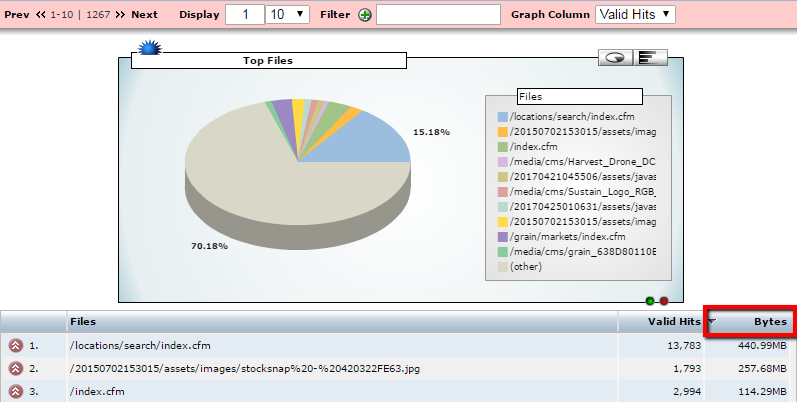
Overage charges may appear on your hosting invoice if you have exceeded the storage space and traffic (aka bandwidth) limits that have been assigned to your website. Therefore, it is a good idea to check on your website statistics every once in a while, to make sure you don’t have files that are larger than necessary. To view a list of which files are using up the most storage space or bandwidth on your website, you can follow these steps:
-
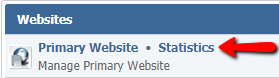
Navigate to Statistics
-
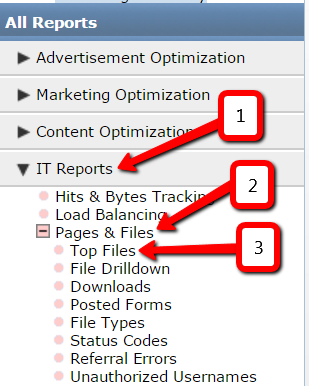
Then click on IT Reports > Pages & Files > Top Files:
-
Top files will load ordered by Valid Hits. Since you are looking for the large files that are consuming your bandwidth, click on Bytes to get the files ordered by used size.